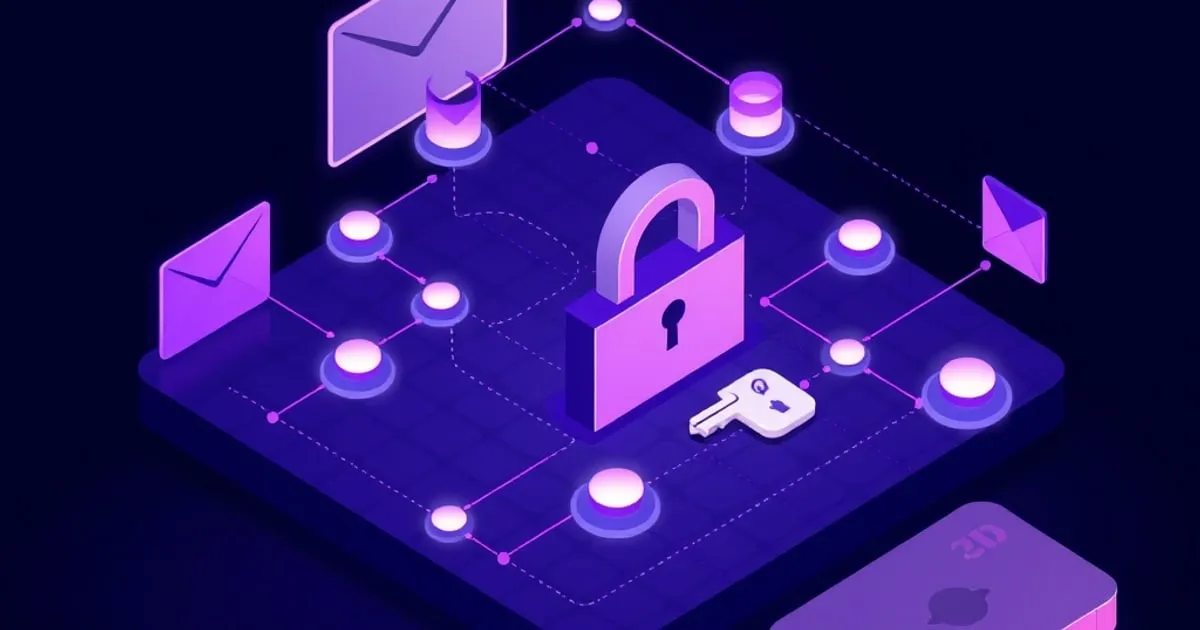
PGP and End-to-End Email Basics: How Encrypted Mail Actually Works
What PGP is, how public and private keys encrypt and sign mail, how Proton Mail automates it with Web Key Directory, and what end-to-end encryption does and doesn't protect.
PGP is the technology behind almost every form of end-to-end encrypted email, and it’s simpler than its reputation suggests. The mechanics come down to a single idea — a pair of mathematically linked keys — applied two ways: to lock messages and to sign them. Once that clicks, the rest of encrypted email makes sense, including why your provider can automate most of it for you.
This is the conceptual foundation. No command line, no manual key juggling — just what’s actually happening when you send an encrypted message.
The Key Pair: The One Idea That Matters
PGP gives you two keys that work as a pair:
- A public key, which you can hand out to anyone. It’s used to encrypt messages to you. It’s also used to verify your signatures.
- A private key, which you guard and never share. It’s used to decrypt messages sent to you, and to sign messages you send.
The two are linked by math: anything encrypted with your public key can only be decrypted with your private key, and nothing else. That asymmetry is the whole trick. Someone can lock a message to you using your freely shared public key, but only your secret private key can open it.
How Encryption Works in Practice
When someone sends you an encrypted email:
- Their mail client takes the message and locks it using your public key.
- The locked message travels across the internet as scrambled text. A hacker, your ISP, or a government agency intercepting it sees only ciphertext.
- Your client uses your private key to unlock it.
Because only your private key can decrypt, the message is protected end to end — from the sender’s device to yours — with no intermediate server able to read it. That’s what “end-to-end encrypted” means: the encryption happens on the endpoints, not just on the wire between servers.
How Signing Works (and Why It’s Different)
Encryption protects confidentiality. Signing protects authenticity — proof that a message really came from you and wasn’t altered.
When you sign a message, your client creates a signature using your private key. Anyone with your public key can verify that signature. If it checks out, they know two things: the message came from the holder of your private key, and it wasn’t tampered with in transit.
Note the keys are used in the opposite roles from encryption. Encryption: sender uses recipient’s public key. Signing: sender uses their own private key. Many encrypted emails are both encrypted and signed at once.
The Hard Part PGP Historically Had: Key Exchange
For decades, the friction in PGP wasn’t the math — it was getting everyone’s public keys to each other. You had to find a recipient’s public key, confirm it really belonged to them, and import it before you could send anything encrypted. This is why PGP had a reputation for being painful.
Modern encrypted providers solve most of this automatically.
How Proton Mail Automates It
Proton Mail handles key management so you rarely touch a key directly:
Within Proton: If you email another Proton Mail user, the message is automatically end-to-end encrypted and signed using PGP. Both of you have keys on Proton’s network, so it just happens.
To outside addresses: When you type a recipient into the “To” field, Proton automatically searches for a public PGP key for that address. It checks its own network, your contacts, and Web Key Directory (WKD) on the recipient’s domain. If it finds a key, it encrypts the message with it automatically.
Web Key Directory is the quiet hero here. WKD is a web standard that lets a domain publish its users’ public keys at a well-known HTTPS path, so mail clients can discover them automatically — no keyservers, no manual import. Proton publishes a key for every account on creation via WKD, which is why Proton-to-Proton mail and mail to other WKD-enabled domains “just encrypts.”
When no key is available for an outside recipient, the message sends as ordinary (transport-encrypted, not end-to-end) mail — or you can use Proton’s password-protected message feature to encrypt it via a shared passphrase instead.
What End-to-End Encryption Does NOT Protect
This is the part that trips people up. PGP and end-to-end encryption protect the message body and attachments. They do not protect the envelope:
- Sender and recipient addresses — visible, because servers need them to route mail.
- Subject line — visible on Proton Mail (Tuta encrypts it; most providers don’t).
- Timestamps and message size — visible.
- Routing path — visible in headers.
So PGP makes the contents unreadable to anyone but the recipient, but the metadata of who emailed whom, when, and roughly how much, remains exposed. End-to-end encrypted is not the same as anonymous.
The Practical Takeaway
You don’t need to understand elliptic curves to use encrypted email well. You need to internalize four things:
- Public key encrypts and verifies; private key decrypts and signs. Guard the private key.
- End-to-end means the endpoints encrypt — no server in between can read the body.
- Modern providers automate key exchange via WKD, so the historical pain is mostly gone.
- Encryption protects the letter, not the envelope — metadata still leaks.
With those four ideas, you can use Proton Mail, Tuta, or any OpenPGP-based setup confidently and know exactly what you’re getting.
Related: for a deep look at what the envelope leaks even with perfect encryption, see what email metadata leaks. Wondering if you even need this? Do you need encrypted email?
Sources
Related
Do You Actually Need Encrypted Email? A Plain-Language Guide
Encrypted email isn't for everyone. Here's how to figure out whether switching is worth it — without paranoia or marketing fluff.

What Email Metadata Leaks (Even With End-to-End Encryption)
End-to-end encryption protects message bodies, not the envelope. Here's exactly what metadata leaks from encrypted email and what you can do about it.

How to Set Up a Custom Domain With an Encrypted Mail Provider
A step-by-step walkthrough for connecting your own domain to Proton Mail or Tuta: verification, MX records, and the SPF, DKIM, and DMARC records that keep your mail out of spam.