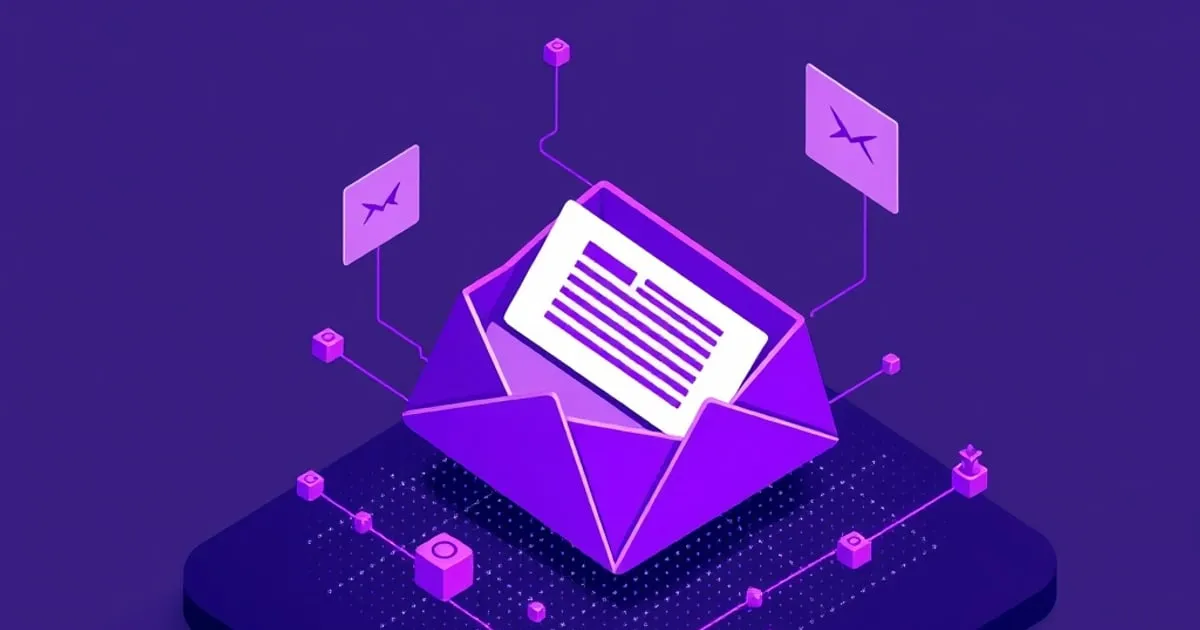
How to Read Email Headers: A Field Guide to the Envelope
A practical walkthrough of email headers — Received, SPF, DKIM, DMARC, Message-ID — so you can trace a message's path, spot spoofing, and see what your mail reveals.
Every email carries a block of headers that most people never see — the envelope wrapped around the message. Learning to read it is a practical skill: it lets you trace where a message really came from, tell a genuine sender from a spoofed one, and understand exactly what your own outgoing mail reveals. This is a field guide to the headers that matter.
You don’t need to be technical. Headers look intimidating because there are a lot of them, but only a handful carry the information you actually want, and they read in a predictable order.
How to View the Raw Headers
Headers are hidden by default. To see them:
- Gmail: open a message, click the three-dot menu, choose Show original.
- Proton Mail: open a message, click the three-dot menu, choose View headers (or View source).
- Apple Mail: View → Message → All Headers.
- Outlook: open the message, File → Properties, read the Internet headers box.
You’ll see a list of Header-Name: value lines. Below are the ones worth knowing, grouped by what they tell you.
The Identity Headers: From, To, Reply-To
From: Jane Doe <[email protected]>
To: [email protected]
Reply-To: [email protected]- From is the displayed sender — but it’s trivially forgeable on its own, which is exactly why the authentication headers below exist. Never trust
Fromby itself. - Reply-To is where your reply goes if it differs from
From. A mismatch betweenFromandReply-Tois a classic phishing tell: the message claims to be from your bank, but replies route to an attacker’s address.
The Path Headers: Received
Received: from mail.example.com (mail.example.com [203.0.113.5])
    by mx.yourprovider.com with ESMTPS
    for <[email protected]>; Wed, 13 May 2026 09:14:22 +0000
Received headers are the message’s travel log. Each server that handled the mail stamps one as it passes through. Read them bottom to top — the bottom one is the origin, the top is the last hop before your mailbox.
This is where you trace a message’s true path. The originating server’s IP address (here 203.0.113.5) is in the lowest Received line. If a message claims to be from a major company but the lowest Received shows an unrelated residential IP or a sketchy hosting provider, that’s a red flag the displayed From doesn’t match reality.
The Authentication Headers: SPF, DKIM, DMARC
This trio is how receiving servers verify a message is genuine. Look for an Authentication-Results line:
Authentication-Results: mx.yourprovider.com;
    spf=pass smtp.mailfrom=example.com;
    dkim=pass header.d=example.com;
dmarc=pass header.from=example.com- SPF (
spf=pass) confirms the sending server is authorized to send for that domain. Afailorsoftfailmeans the message came from a server the domain didn’t authorize — possible spoofing. - DKIM (
dkim=pass) confirms the message carries a valid cryptographic signature from the sending domain and wasn’t altered in transit. - DMARC (
dmarc=pass) ties SPF and DKIM together against the visibleFromdomain. Admarc=passis the strongest single signal that the message genuinely came from who it claims to.
When all three pass and align with the From domain, the message is very likely authentic. When DMARC fails on a message claiming to be from a brand that publishes a strict policy, treat it as suspect.
The Tracking Headers: Message-ID, Date, X-Headers
Message-ID: <[email protected]>
Date: Wed, 13 May 2026 09:14:20 +0000
X-Mailer: Acme Webmail 4.2- Message-ID is a unique fingerprint for the message, used for threading (
In-Reply-ToandReferenceslink replies to it). It can also be used to correlate a message across mailboxes. - Date is the claimed send time, accurate to the second — useful for establishing timelines, though it reflects the sender’s clock.
- X-headers are non-standard, sender-added headers.
X-MailerorX-Originating-IP(some providers add this) can leak the sender’s software or even their IP address. This is one place outgoing mail reveals more than people expect.
Using a Header Analyzer
Reading Received chains by hand gets tedious. Paste the full header block into a free analyzer — MXToolbox’s email header tool, or Google’s Messageheader tool — and it visualizes the hops, flags the authentication results, and computes the delay at each step. It’s the fastest way to evaluate a suspicious message.
What This Tells You About Your Own Mail
Reading headers from the other direction is sobering. Everything you can see in an incoming message, the recipient (and every server in between) can see in yours: your sending server, the path, timestamps to the second, your Message-ID, sometimes your mail software, and the addresses of everyone on the message. This is the metadata that end-to-end encryption does not hide — encryption protects the body, but the header envelope must stay readable for delivery to work.
Two practical implications:
- A blank or generic subject is the simplest way to keep one sensitive field out of the envelope (on providers that don’t encrypt subjects).
- Sending through a VPN or an encrypted provider limits what your originating IP reveals — but it never hides who you’re emailing.
The Takeaway
Headers are the part of email no one designed to be private, and reading them is the fastest way to internalize that. Use them defensively — to catch spoofing via the From/Reply-To mismatch and the authentication results — and use them as a reminder that the envelope around every message you send is an open book to anyone handling it.
Related: for the bigger picture on what that envelope leaks, see what email metadata leaks. To authenticate your own domain’s outgoing mail, see setting up a custom domain.
Sources
Related

How to Set Up a Custom Domain With an Encrypted Mail Provider
A step-by-step walkthrough for connecting your own domain to Proton Mail or Tuta: verification, MX records, and the SPF, DKIM, and DMARC records that keep your mail out of spam.
How to Set Up Email Aliases With SimpleLogin or addy.io
A practical setup guide for email aliases: creating addresses, sending replies through the alias, adding a custom domain, and a per-signup workflow that contains spam and breaches.
What Email Metadata Leaks (Even With End-to-End Encryption)
End-to-end encryption protects message bodies, not the envelope. Here's exactly what metadata leaks from encrypted email and what you can do about it.